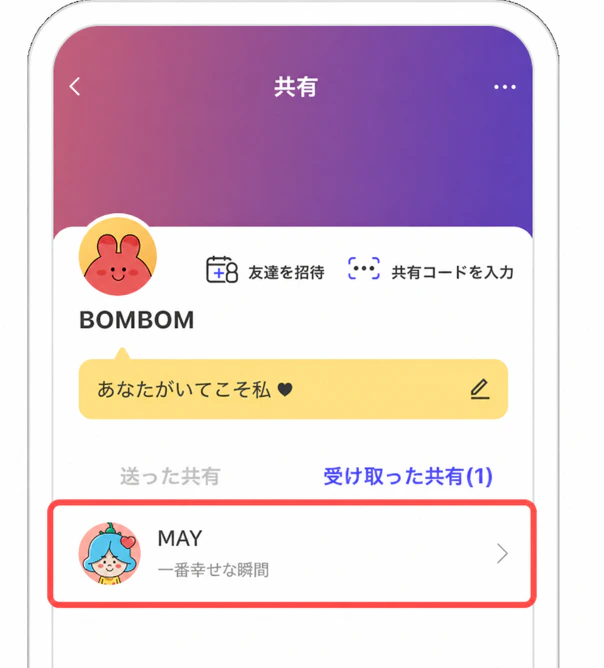
1. Have you finished entering the share code?

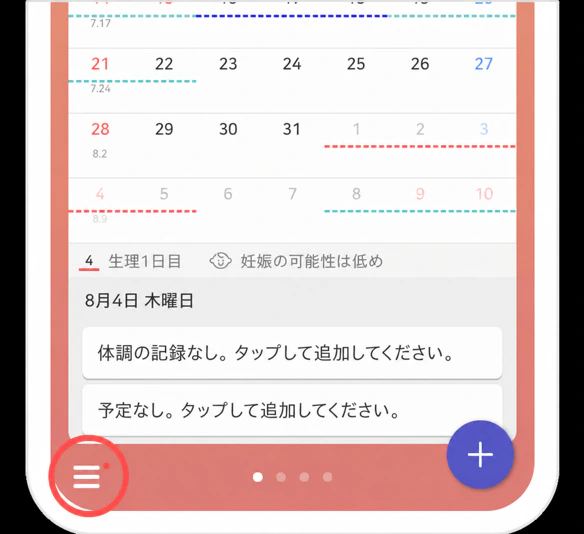
2. Select the side menu.
The side-menu button is located at the bottom left of the calendar.

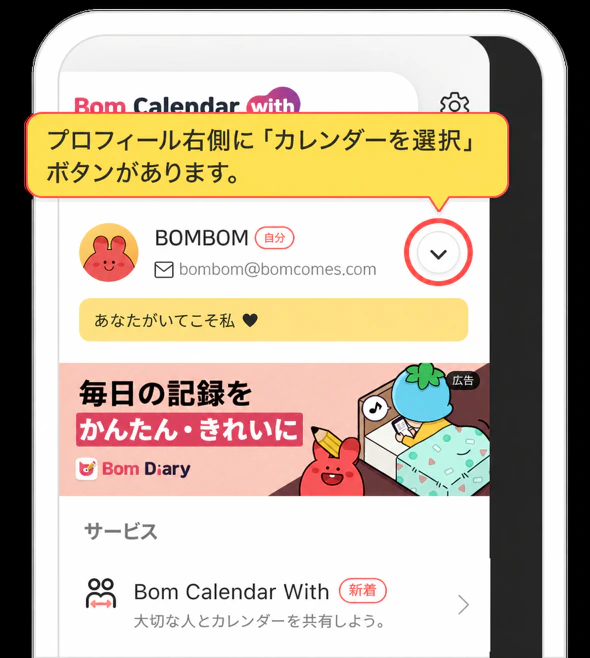
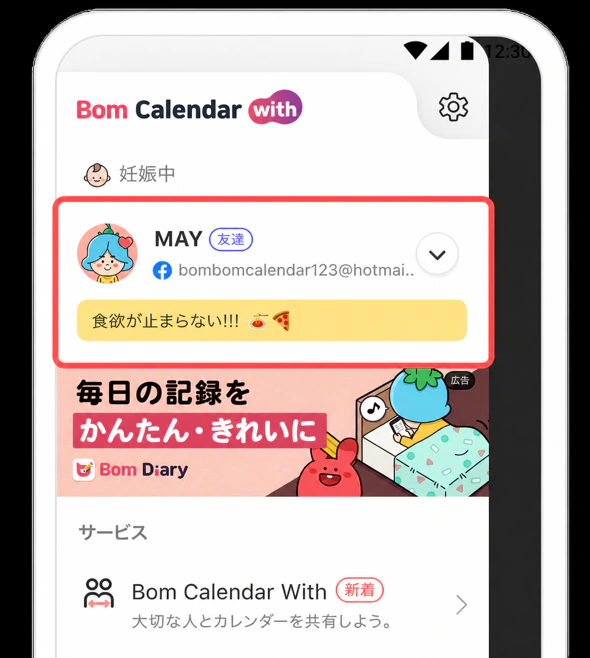
3. Tap the Select Calendar button.
The Select Calendar button is located at the top right of the side menu, next to the profile image.

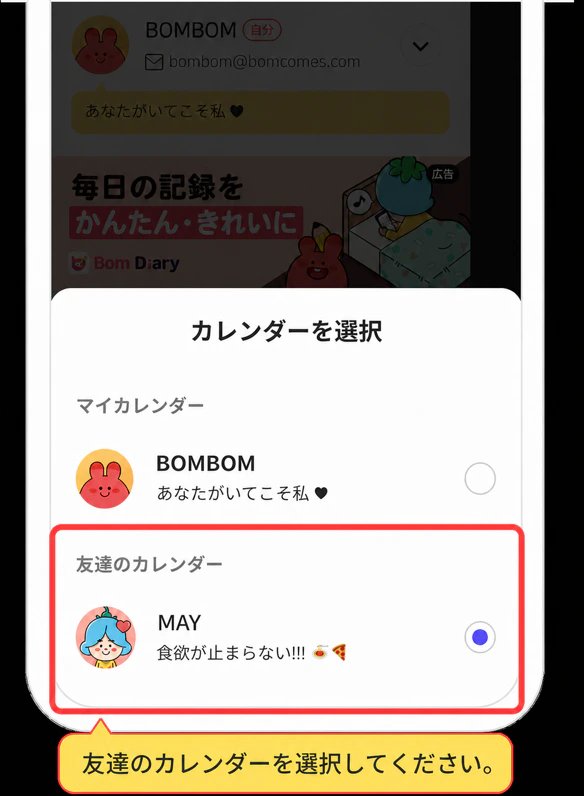
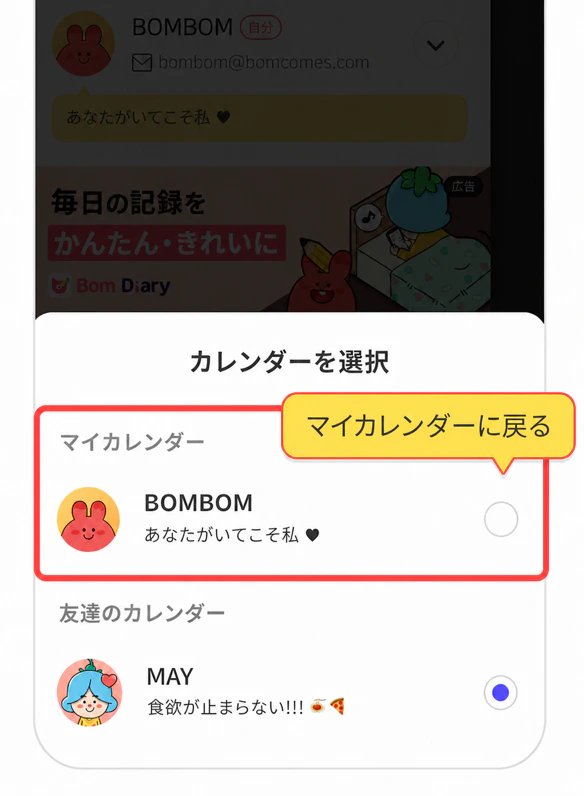
When the Select Calendar pop-up appears, choose the friend whose calendar you want to view.

You have switched to your friend's calendar.

4. How to switch back to your calendar
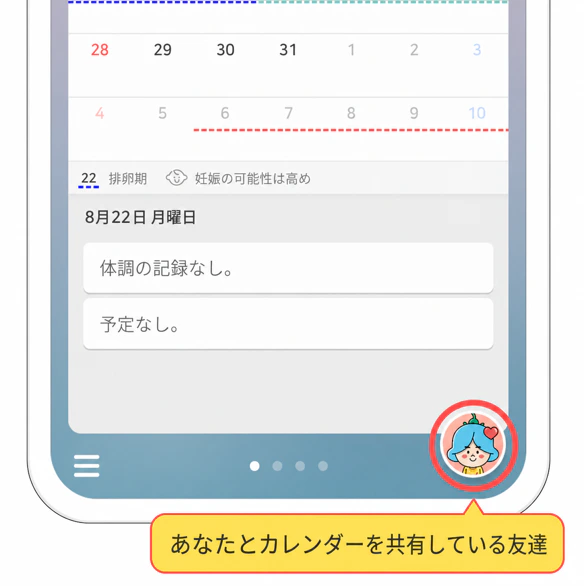
While viewing your friend's calendar, your friend's profile appears where the + button normally is.

Tap your friend's profile button to switch back to your calendar.